Up your screen-locking game

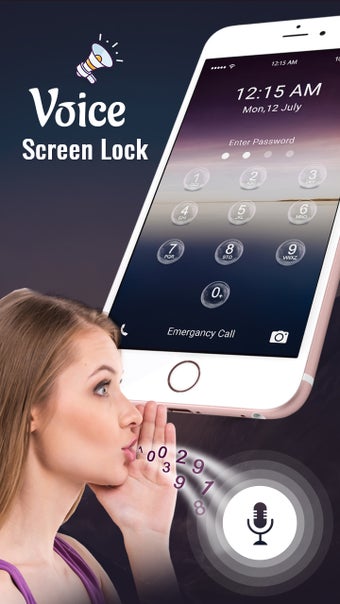
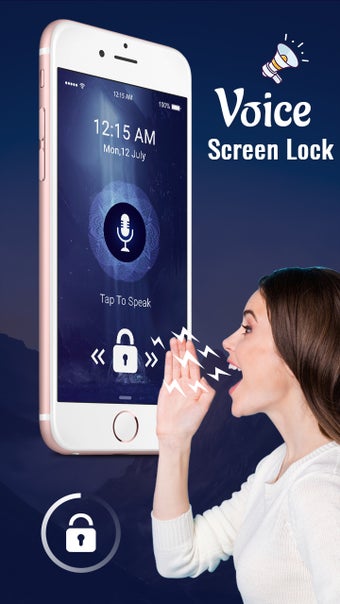
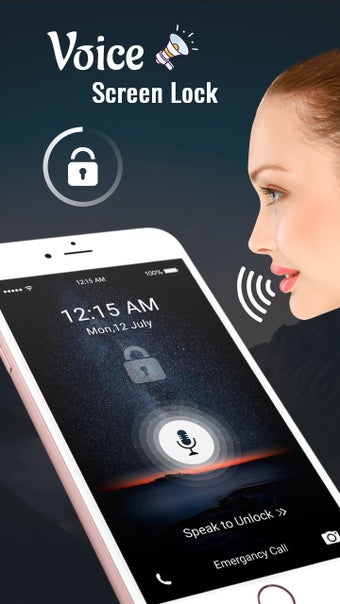
Voice Screen Lock: Voice Lock is a free tool that utilizes a voice-based device authentication system for maximum protection against unauthorized access. Before creating a voice password, make sure to grant the necessary app permissions. Beyond mobile security, it also includes themed lock screen backgrounds.

Top Recommended Alternative
Set up an alternative authentication method

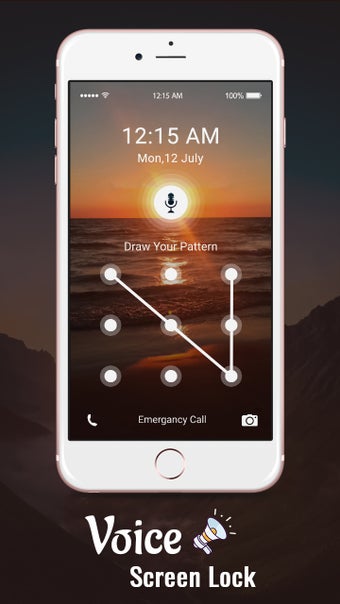
To create a voice password in Voice Screen Lock: Voice Lock, tap “Voice Select” on the menu screen, select a security question, and type your answer. Then, select from one of the three alternative authentication methods: “PIN Lock,” “Pattern Lock,” and “Current Time Lock.” 

These methods are your lifesaver in case you forget your voice password. Once set up, tap the microphone icon, and dictate your voice password. If you want, you can also enable two more alternative authentication methods. Sadly, you can’t remove the “Reserved for Ads Space” banner.

Ensure your privacy

Protecting your device from nosy fingers is now easier than ever with the help of Voice Screen Lock: Voice Lock. Not only does it enable the creation of a voice password, but the app also includes alternative unlocking methods for when you forget said password. 
  • Pros

    • Lets you set up alternative authentication methods
    • Voice-based passwords
    • Lock screen backgrounds
  • Cons

    • “Reserved for Ads Space” can’t be removed
 0/5

App specs

  • License

    Free

  • Version

    1.0

  • Latest update

  • Platform

    Android

  • OS

    Android 9.0

  • Language

    English

  • Downloads

    84.2K

    Last month's downloads

    • 560
  • Size

    8.34 MB

  • Developer

  • Download Options

    APK, Google Play

  • Filename

    sarkarapp-fidelitystudio-voicescreenlock-1-58743605-6a2772b8d2be9b3fedc9eb07fcb63916.apk

Program available in other languages


User reviews about Voice Screen Lock: Voice Lock

Have you tried Voice Screen Lock: Voice Lock? Be the first to leave your opinion!

Add review

You may also like

Explore Apps

Latest articles

Laws concerning the use of this software vary from country to country. We do not encourage or condone the use of this program if it is in violation of these laws.
Softonic

Is Voice Screen Lock: Voice Lock safe?

100/100

Score result: Clean

This file passed a comprehensive security scan using VirusTotal technology. It is safe to download.

  • Virus free
  • Spyware free
  • Malware free
  • Verified by Security Partners

    VirusTotal logo

Scan Info

Last scan
Thursday, May 2, 2024
Scan provider
VirusTotal · Full report

File Integrity

File
sarkarapp-fidelitystudio-voicescreenlock-1-58743605-6a2772b8d2be9b3fedc9eb07fcb63916.apk
SHA256
53332e1a8a1c1eb6a4b41a291cf9a5df2326f06599bbe13b1578121fc00c6b8f
SHA1
9801d2dd6edd110bf8bb5f4681ac9867a91f9754

Softonic security commitment

Voice Screen Lock: Voice Lock has been thoroughly scanned by our advanced security systems and verified by industry-leading partners. This file comes from the official developer and has passed all our security checks, showing no signs of viruses, malware, or spyware. For more information, visit our Security and Trust Center